Photo Slider Digital Frame

Photo Slider Digital Frame turns an Android tablet into a digital photo frame. It displays your photos and videos from sources you choose to connect β€” your device gallery, Google Photos, Google Drive, Dropbox, OneDrive, or a local network share β€” as one full-screen slideshow, with motion-based wake, a weather overlay, and a daily on/off schedule. The app only reads the media you explicitly select; it never modifies, deletes, or shares your files.

Free 7-day trial. No watermark, ever, in any tier.
Everything a digital picture frame should do

πŸ–ΌοΈ

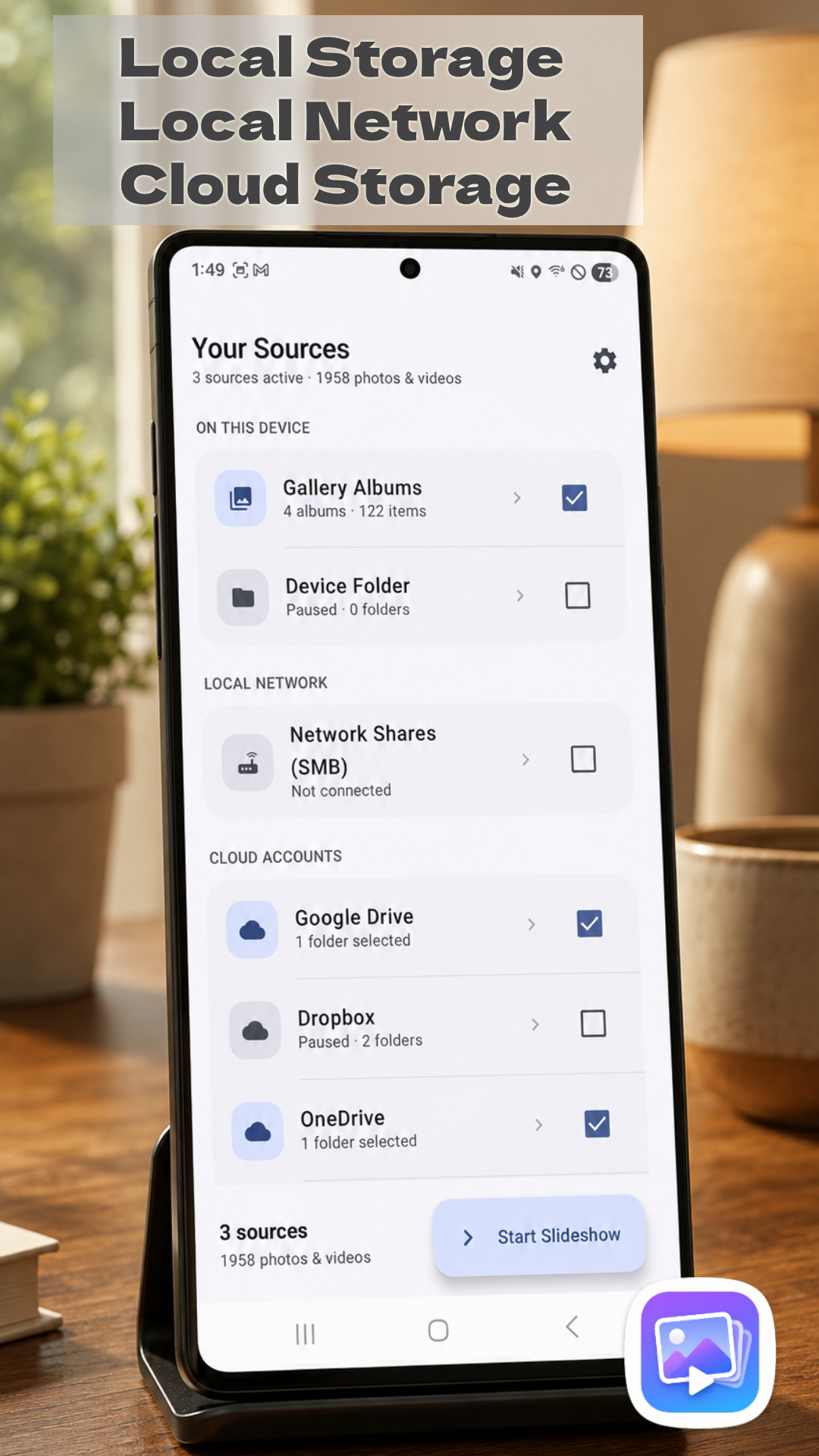
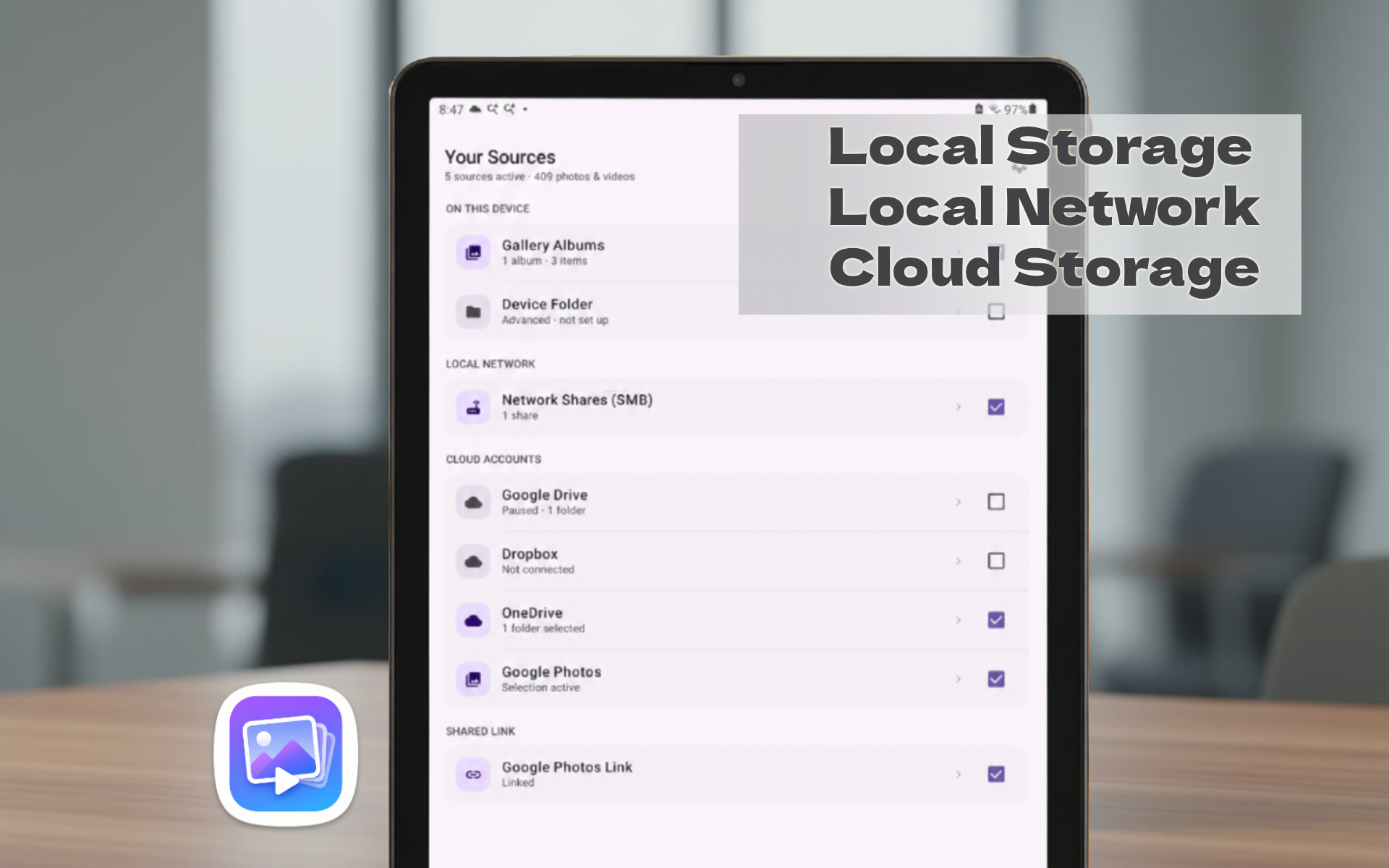
Mix every source

Local albums, folders, Google Photos, Google Drive, Dropbox, OneDrive, and network shares β€” all in one shuffled playlist.

πŸ‘‹

Motion-based wake

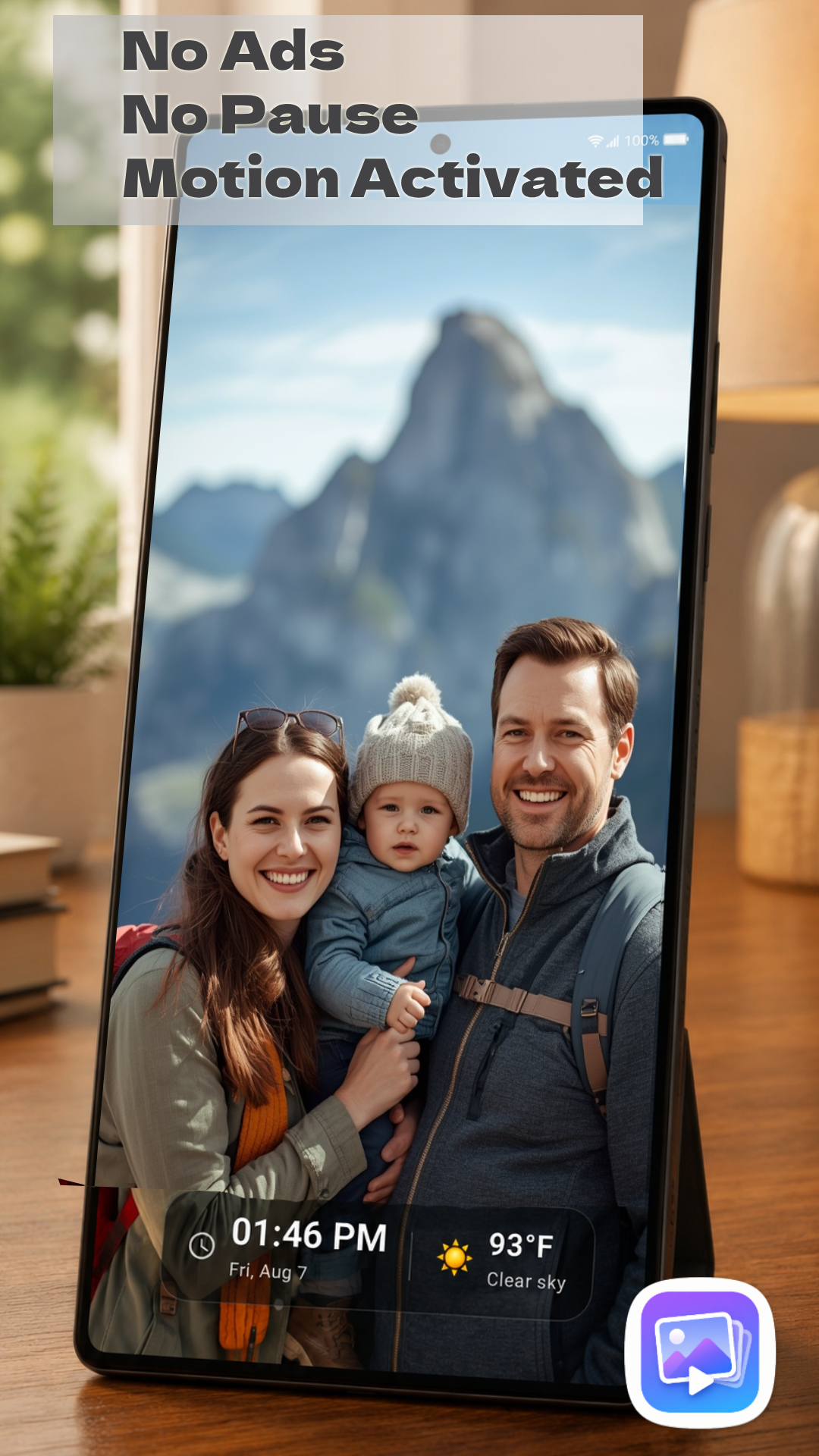
The screen lights up when someone walks by, and rests when the room is empty.

πŸ—“οΈ

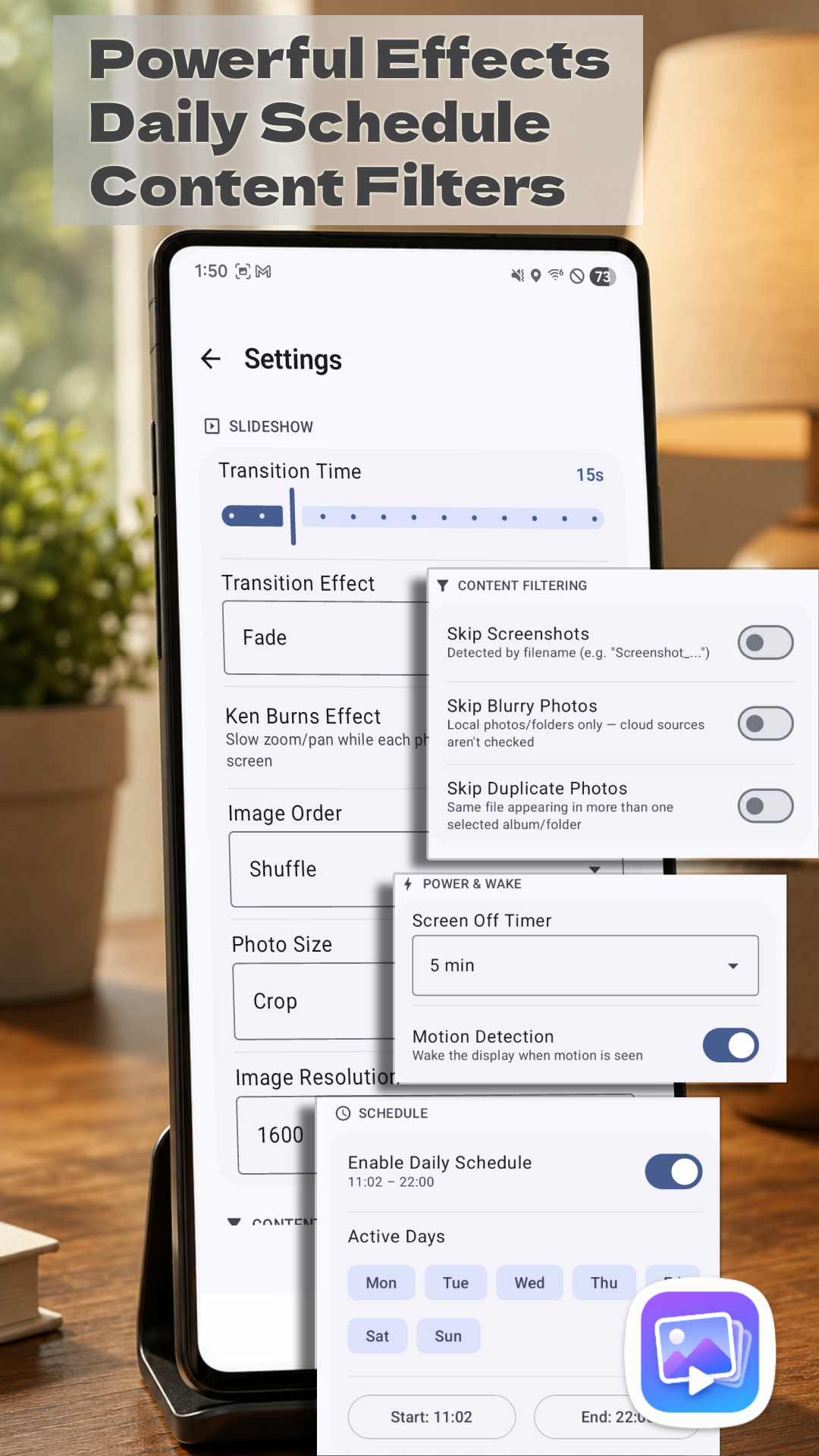
Daily schedule

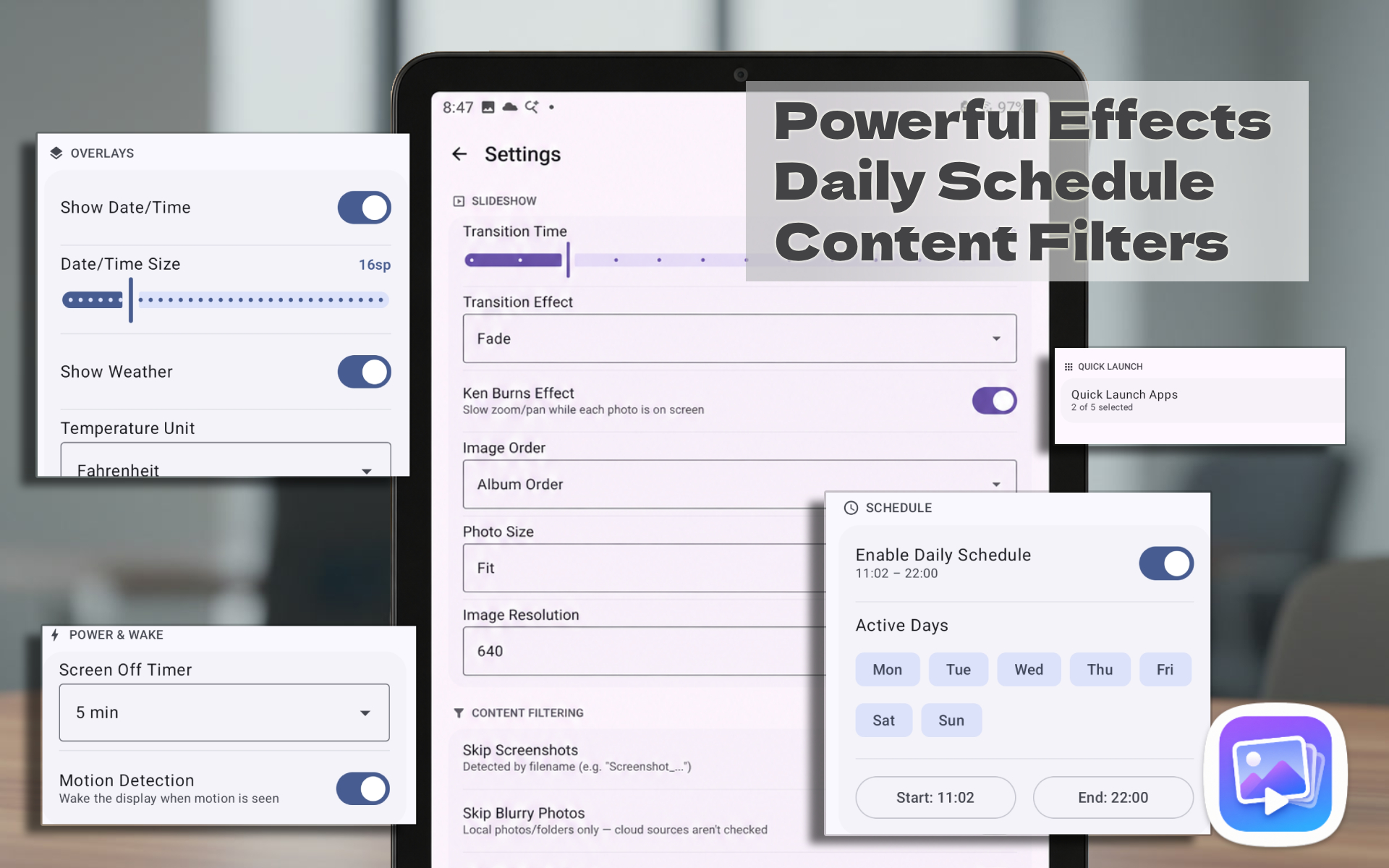
Automatically turn the slideshow on and off on the days and times you choose.

🌀️

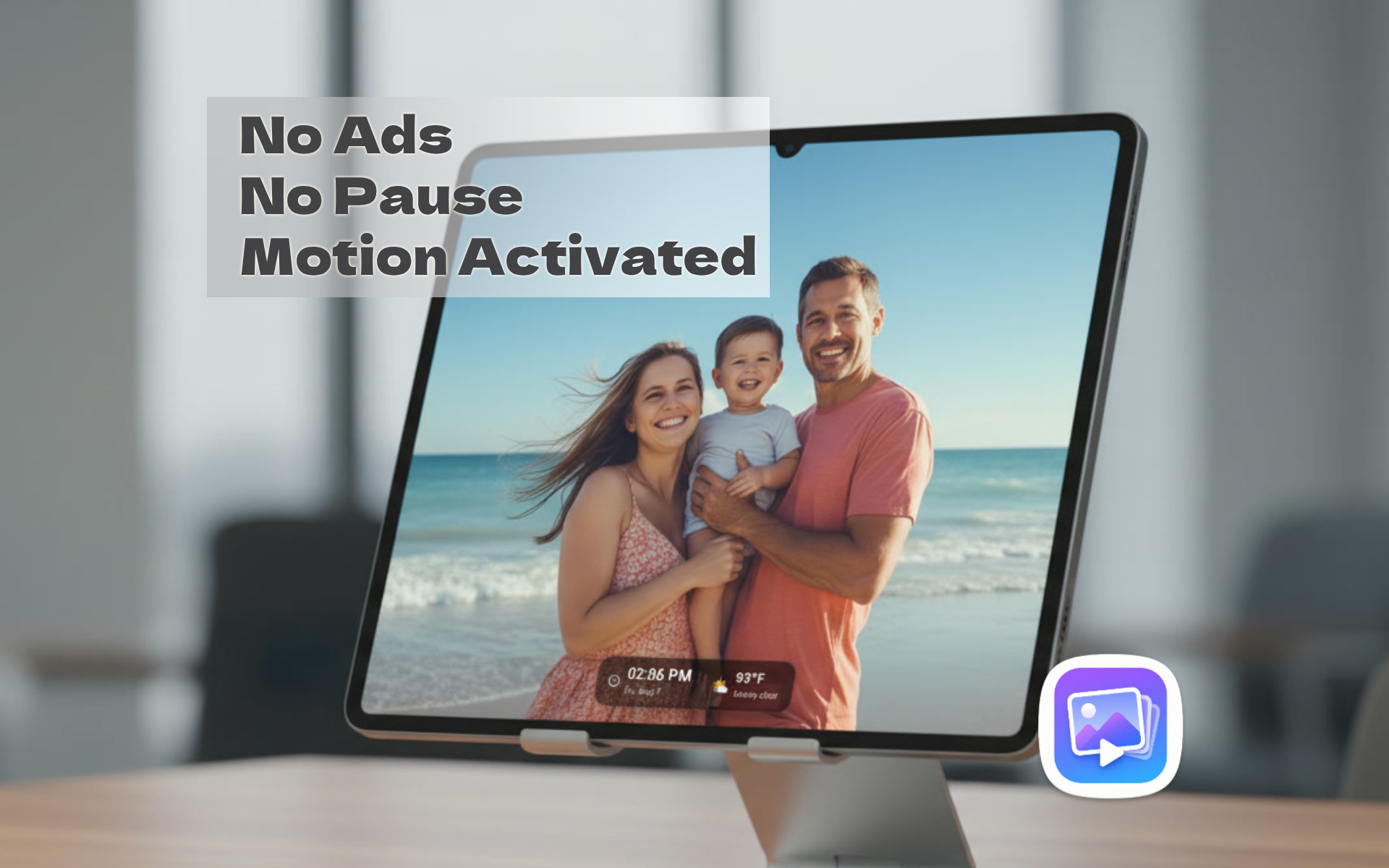
Date, time & weather

A clean overlay keeps the current time and local forecast visible at a glance.

🎞️

Smooth transitions

Fade, crossfade, and more β€” photos and videos play seamlessly, full-screen.

πŸŒ™

Screensaver mode

Use it as an Android Daydream screensaver, or as a dedicated always-on display.

See it in action

Photo Slider showing a full-screen family beach photo with time and weather overlay, no ads, no pause, motion activated Photo Slider Your Sources screen showing local storage, local network, and cloud storage options all mixed into one playlist Photo Slider settings screen showing transition effects, daily schedule, and content filtering options Photo Slider showing a full-screen family beach photo with time and weather overlay, no ads, no pause, motion activated Photo Slider Your Sources screen showing local storage, local network, and cloud storage options all mixed into one playlist Photo Slider settings screen showing transition effects, daily schedule, and content filtering options

Pull photos from wherever they already live

πŸ“± Gallery Albums πŸ“ Device Folders πŸ”΅ Google Photos 🟒 Google Drive πŸ”· Dropbox 🟦 OneDrive πŸ–₯️ Local Network (SMB / NAS)

Free to try, one-time to unlock

Free Pro
Cloud & network sources1 at a timeAll, mixed
Quick Launch apps1Up to 5
Transition effectsFade, CrossfadeAll 7 + Random
Motion-based wakeβ€”βœ“
Daily schedule automationβ€”βœ“
Image resolution / disk cacheStandardHigher ceiling

Local Gallery Albums, Device Folders, and the Date/Time & Weather overlay are always free, in every tier. Pro is a single one-time purchase β€” not a subscription β€” priced in Google Play.

Application Purpose & Google Data Usage

Photo Slider Digital Frame connects to your Google Photos and Google Drive accounts to stream photo slideshows directly onto your local device.

Specific Scope Usage: Our app utilizes the photospicker.mediaitems.readonly and drive.readonly scopes. When you select specific photos or folders using Google’s secure built-in file and photo pickers, our app gains view-only access to stream those chosen media items. Our app does not read your wider private document directories or browse your full unselected photo archive.

Data Privacy Compliance: All data accessed through your Google Account is used strictly to render images on your local display screen. Your credentials, access tokens, and image streams are processed entirely client-side, are never saved, and are never shared or transferred to any external third-party servers.